
Overview
- Learn how AI adds intelligence to your existing Enterprise Resource Planning solution without requiring a complete system replacement.
- See how practical integration keeps your business operations stable while introducing smarter ways to work.
- Discover how DynamiQ’s SAP Business One and IQ AI help you upgrade your existing ERP for more efficient operations.
Enterprise Resource Planning (ERP) systems are built to store and manage business information, not to interpret it. As businesses grow, years of accumulated data become harder to use, and teams often depend on manual reports and analysis to find insights. This slows decision-making and limits operational visibility.
Artificial Intelligence (AI) closes this gap by adding a layer to existing software that helps teams understand why something happened and what to do next. This raises a common question: can you add AI to your existing ERP without starting over? You can, without replacing your system, disrupting operations, or migrating your data. This article explains how an AI layer works with your current ERP and the practical steps to integrate it.
AI Layer
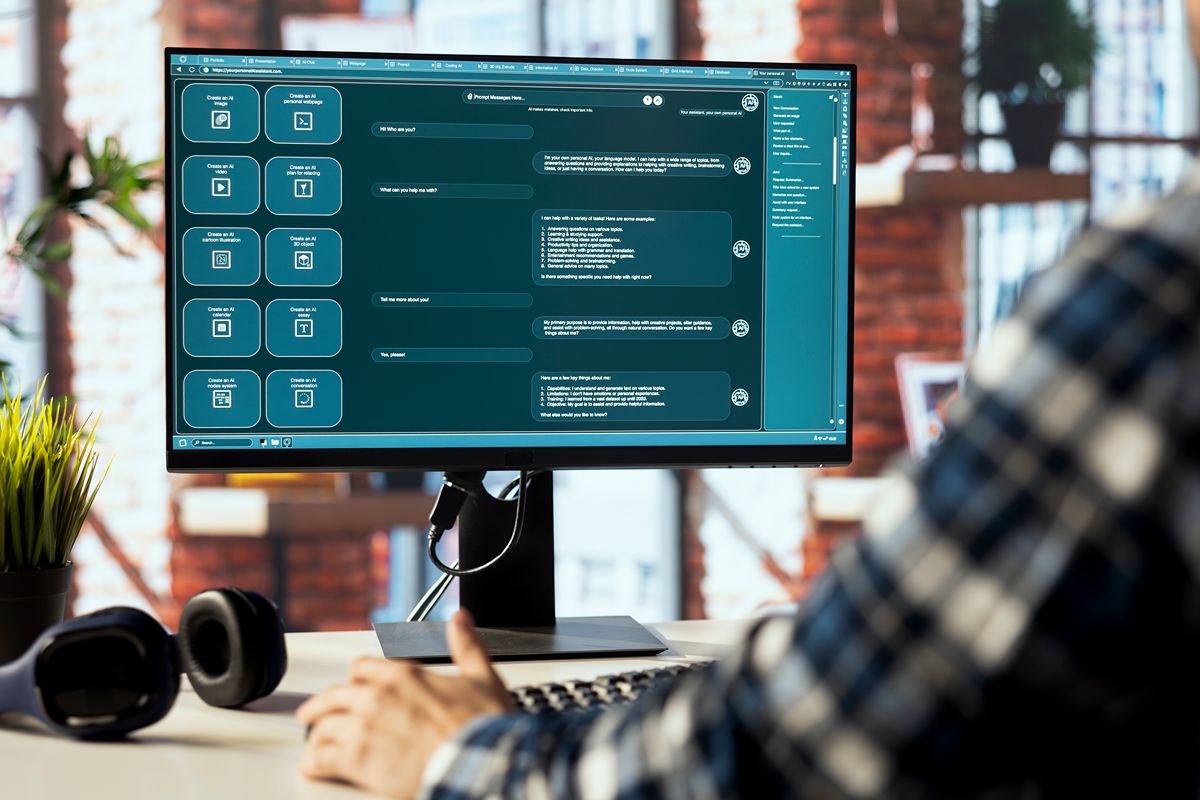
AI needs a reliable way to communicate with your ERP before it can work with the information inside it. API connections provide that bridge, letting the AI layer securely send and retrieve data without replacing any software. This keeps your database and applications intact while giving AI the access it needs to respond to queries and support business processes.
Once this connection is in place, a chat assistant can interpret a request and carry out supported actions, such as creating a record. At DynamIQ, this is how our IQ AI works with SAP B1. For your team, this means fewer manual steps in routine processes.
API Connections
AI needs a reliable way to communicate with your ERP before it can work with the information inside it. API connections provide that bridge, letting the AI layer securely send and retrieve data without replacing any software.
This leaves your database and applications in place while giving AI the access it needs to respond to queries and support business processes. Once connected, a chat assistant can interpret a request and carry out supported actions, such as creating a record, which reduces manual steps in routine processes.
System of Record
Your ERP remains the authoritative source for your accounts, records, and business rules when intelligence is added. Instead of creating a separate database for AI tools, you keep maintaining and updating records in the same system, which keeps your business processes consistent. Your team gains an easier way to interact with those records without changing the structure that supports your operations.
This matters as a business expands. A separate data store for AI tools would introduce another set of records to reconcile, which adds to the disconnected processes that limit visibility. Keeping one source of truth supports accuracy, reporting, and compliance as more teams and transactions depend on the same data.
Safe Processing
Control over what enters your system stays with your business. AI reads data, answers questions in plain language, and processes incoming documents, but your established rules and staff review determine what happens next. Instead of letting an automated process make unchecked changes, you keep a layer of control before updates are finalized, and your team remains responsible for decisions that require judgment.
Access controls matter as much as the rules themselves. AI tools should only reach the information they need, and sensitive details should be protected when they are processed. Clear permissions, secure data handling, and privacy measures such as data masking let your team use intelligent capabilities without compromising the confidentiality of business data.
Practical Integration Steps

Integrating AI into your existing ERP does not have to be a disruptive project. The right approach starts with the processes already in place and identifies where intelligent capabilities can improve how your team works. With a clear integration strategy, you can introduce AI while keeping your core operations stable and your existing data intact.
- Target One Task – Start with one repetitive workflow such as invoice coding, data entry, or stock lookups. This gives your team a focused use case to test before expanding AI across other processes.
- Check Vendor Updates – Review your current software provider’s latest intelligence features and extensions to see what is already available in your existing setup. You may find built-in capabilities that require little additional integration.
- Use Middleware – Specialized connectors or middleware give secure access to relevant ERP data without moving your core records elsewhere. This keeps your existing database intact while creating a controlled connection for advanced tools.
- Add Human Checkpoints – Keep staff involved when AI proposes automated actions or updates records. Human review provides an important safeguard for decisions that require business judgment.
Upgrade Your Existing ERP with DynamiQ’s AI Solutions
Your ERP already holds the operational knowledge your business depends on, and we at DynamIQ help you use that foundation more effectively. As an SAP Premier Partner and authorized implementer of SAP Business One, we provide implementation, customization, training, and support, working with you to fit the solution to your own business processes.
By connecting our IQ AI to SAP Business One, your team gains a conversational way to work with the ERP and access the information needed for everyday decisions without adding unnecessary complexity to established workflows. This gives your business a more responsive experience while creating a practical path toward intelligent operations and scalable growth within the system you already use.
Key Takeaway
You can absolutely add AI to your existing ERP without starting over. Replacing your software is not the only way to modernize your operations, particularly when manual reporting limits how your team uses its data. An intelligence layer lets you interpret existing information without disrupting the core system.
As an SAP Partner, we at DynamIQ build on the system your business already relies on with SAP Business One and our IQ AI, giving your team a smarter way to work. Contact us to learn how we can help you upgrade your existing ERP and move toward intelligent operations.