Smart Help Desk
- AI-assisted ticketing
- Auto-drafted replies
- Live agent escalation
- Multi-channel support via portal, email, and chat
- 24/7 first-line assistance
Something slowing your business down?
Let's Figure it out!
IQDesk is DynamIQ’s all-in-one IT Service Management (ITSM) and helpdesk solution built to make IT support simpler, faster, and easier to manage.
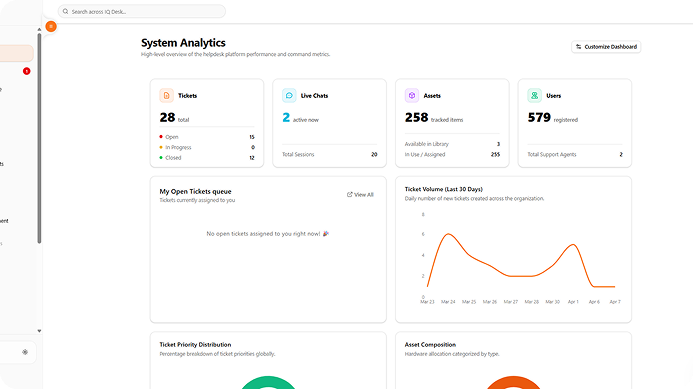
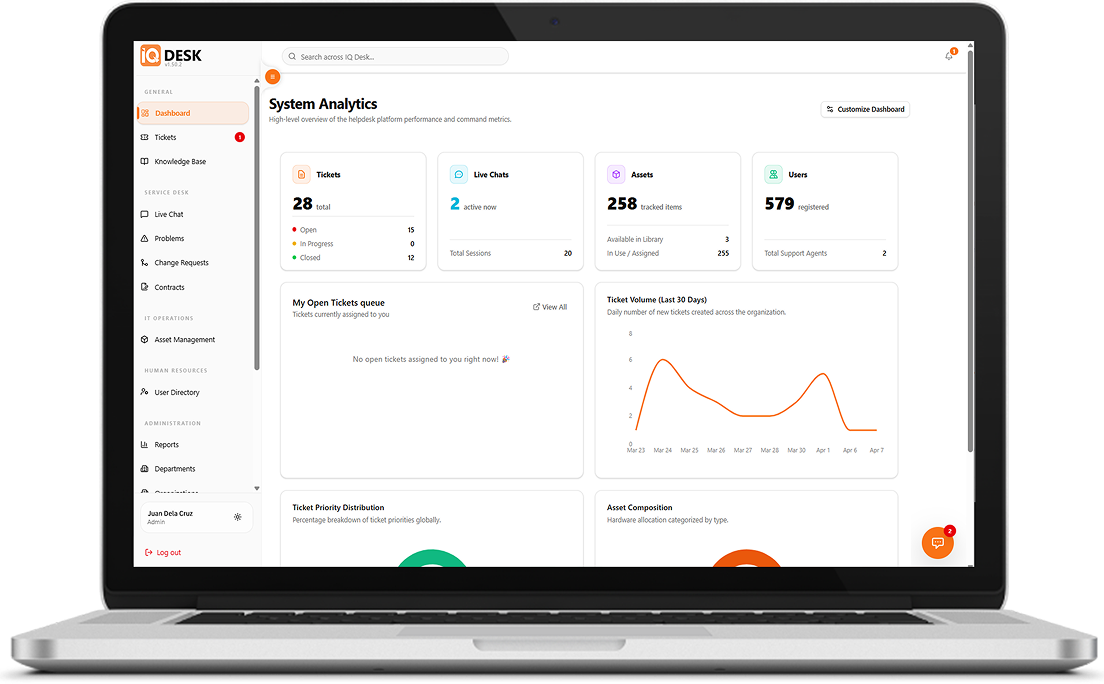
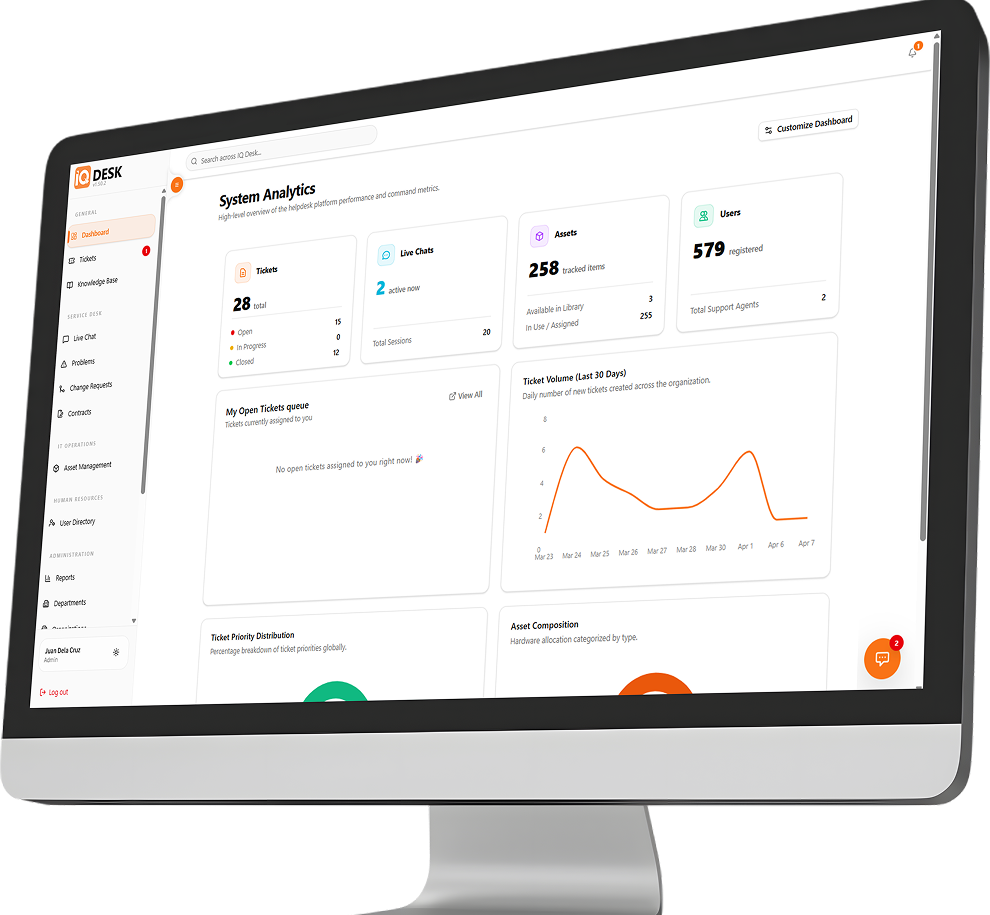
IQDesk is DynamIQ’s all-in-one platform designed to simplify how businesses handle IT support, manage assets, and keep operations running smoothly. It goes beyond basic support by helping you stay in full control of your IT resources and other assets. With built-in Property Acknowledgement Receipt (PAR) tracking, you’ll always know who’s responsible for each asset, complete with proper documentation and e-signatures for accountability.
DynamIQ Desk also uses smart automation to support your team by suggesting replies, summarizing tickets, and automatically routing requests, while providing a confidence level so agents can quickly assess the reliability of each response.
Explore IQ Desk’s latest features designed to improve efficiency, simplify processes, and support effective day-to-day business operations.
IQDesk uses a pluggable AI provider-abstraction layer, giving each deployment flexibility over which AI model provider powers the system.
Supported providers include:

The provider is selected and configured per instance. API keys are stored encrypted using AES-256-CBC, with only the last 4 characters shown in the UI.
For RAG and embeddings, IQDesk uses ChromaDB with isolated vector collections per company.
Because IQDesk supports external AI providers, data may be sent to the selected provider depending on the configured model. For private or air-gapped deployments, local AI through Ollama can be used.
IQDesk includes encryption for sensitive credentials and supports secure deployment configurations.
| Area | Details |
|---|---|
| Credential Encryption | SAP passwords, AI API keys, access tokens, and other sensitive credentials are encrypted at rest using AES-256-CBC. |
| User Passwords | User passwords are hashed using bcrypt with salt 10. |
| Data in Transit | TLS is supported in transit through NGINX and Let’s Encrypt in the documented deployment setup. |
| Hosting Model | IQDesk can be deployed as a self-hosted system, giving clients more control over infrastructure, data residency, and AI provider configuration. |
IQDesk is architecturally privacy-capable because it can be self-hosted and configured with local AI. However, no formal certifications such as GDPR, SOC 2, ISO, or HIPAA are currently claimed or implemented in the codebase.
IQDesk supports both cloud-hosted and self-hosted deployment models, but it is primarily designed as a self-hosted, per-client deployment.
The platform is fully containerized through Docker and can run on-premise, on a client-owned cloud server, or on a private VM.
The documented stack includes:
Production images are published to GitHub Container Registry, with optional Watchtower auto-updates.
IQDesk can be cloud-hosted, but there is no managed multi-tenant SaaS billing model. It is deployed per client.
For fully private or air-gapped AI use cases, self-hosting combined with Ollama is the preferred deployment path.

IQDesk provides a helpdesk workflow for managing customer, internal, or IT support tickets.
Tickets can be submitted, tracked, assigned, responded to, and resolved through the platform. Ticket data can also be used for analytics such as ticket volume, backlog aging, First Response Time, MTTR, SLA compliance, and reopen rate.

IQDesk has partial SLA management support.
The current system supports SLA measurement and reporting, but does not yet include full SLA enforcement, proactive breach alerts, or escalation workflows.
What exists:
What does not currently exist:
SLA breach email alerts appear in the roadmap under Phase 6, but are not yet implemented.
In summary, IQDesk supports SLA measurement and reporting, but SLA enforcement, breach alerts, and escalation are not yet available.
IQDesk includes strong helpdesk reporting and analytics, with PDF export and period-over-period deltas.
The analytics dashboard supports reporting across tickets, agents, SLA performance, resolution times, and assets.

| Reporting Area | Details |
|---|---|
| Ticket Volume | Daily trend, priority distribution, status distribution, category distribution, and backlog aging buckets. |
| Resolution Time | MTTR in hours. |
| First Response Time | FRT tracking based on the first staff response. |
| SLA Compliance | SLA Compliance % based on tickets resolved on or before the due date. |
| Reopen Rate | Used as the closest equivalent to First Contact Resolution, although there is no true “First Contact Resolution” metric by name. |
| Agent Performance | Per-agent assigned tickets, open tickets, closed tickets, total replies, and average resolution hours. |
| Asset Reports | Asset state distribution and warranty expiry buckets. |
Available date ranges include: Last 30 days, This month, Last month, This year, All time, Custom date range. Analytics also support 60-second caching and PDF export.
Current reporting limitations: No CSAT or satisfaction metric. No by-name First Contact Resolution rate.

The Knowledge Base supports full article CRUD, allowing agents to create, update, publish, and manage support articles.
It includes:

The self-service portal allows customers to submit and track tickets without requiring agent permissions.
Customers can also start live chats through the portal.
IQDesk also includes an embeddable JavaScript chat widget using widget.js and a /widget iframe. This widget can be added to external websites and can use an AI copilot as first-line support.
The AI copilot can provide RAG-grounded answers, support auto-ticket creation, and hand off conversations to human agents when needed.
Public PAR, or Property Acknowledgement Receipt, signing is also supported through a tokenized link.
We'd like to hear from you
Tell us about your business and we will show you how SAP Business One and the IQ Suite can streamline your operations, compliance and growth.