Chat with Your Data
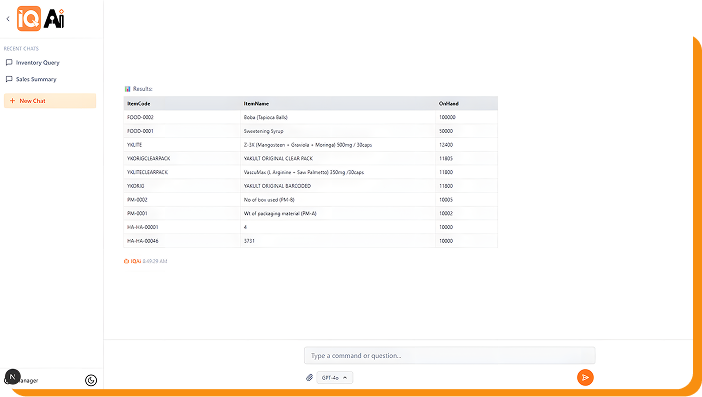
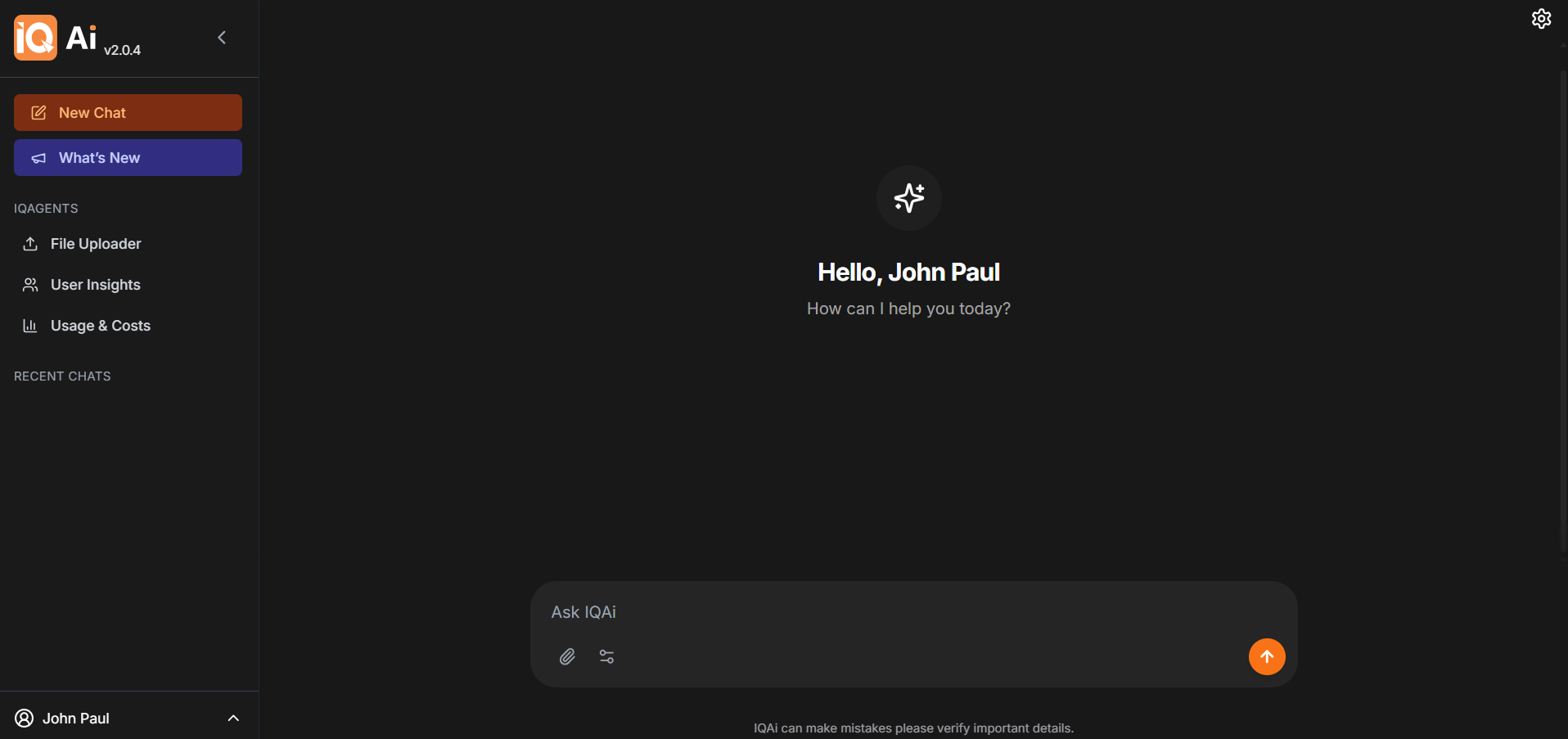
IQ Ai allows users to ask questions about their SAP Business One data through chat. Instead of searching manually or asking someone to run a query, users can type a question and let IQ Ai retrieve the information securely.nnThis makes business data more accessible to users who may not be familiar with technical database tools. It also helps reduce the time spent navigating the system just to find specific information.
Instant Charts and Visualization
IQ Ai can draw charts and visualizations based on SAP Business One data. This helps users understand information faster and makes data easier to review.nnVisual outputs can be useful when users need to compare information, identify patterns, or present data in a clearer format. Instead of relying only on text or tables, IQ Ai helps turn business data into easier-to-read visuals.
Smart Document Uploads
IQ Ai supports smart document uploads, helping users work with documents more efficiently inside their SAP Business One environment.nnThis feature gives users a more convenient way to handle uploaded documents through the AI assistant. It can help reduce manual effort and support smoother data-related tasks.
Create Transactions via Chat
IQ Ai can help users create new records directly inside SAP Business One through chat. This allows supported actions to be completed with fewer manual steps.nnInstead of navigating multiple screens, users can provide instructions through the chat assistant. IQ Ai then helps create the record within the SAP Business One system, making the process faster and more convenient.
Privacy and Data Masking
IQ Ai includes privacy and data masking features to help protect sensitive business information. This helps companies control how data is shown and reduces unnecessary exposure of confidential details.nnFor businesses using SAP Business One, secure data handling is important. IQ Ai is designed to help users access information while supporting privacy and responsible data use.
Smart Memory
IQ Ai includes Smart Memory, allowing it to remember useful context for future interactions. This helps make repeated tasks and common requests more efficient.nnWith Smart Memory, users can have a smoother experience because IQ Ai can retain relevant context that supports more useful responses and actions over time.
Lightning Fast Template Memory
IQ AI’s Template Memory helps speed up repeated tasks by using saved patterns or commonly requested formats. This is useful for businesses that regularly generate similar reports, summaries, workflows, or transaction requests.nnInstead of starting from scratch each time, users can rely on stored templates to get faster responses and more consistent outputs. This helps improve productivity, standardize reporting, and reduce manual effort.
Secure and Controlled Access
IQ Ai is built with secure and controlled access in mind. This helps ensure that users interact with SAP Business One data in a managed environment.nnSecurity and control are important for any business system, especially when working with company data. IQ Ai supports a more convenient AI-powered experience while keeping access organized and protected.